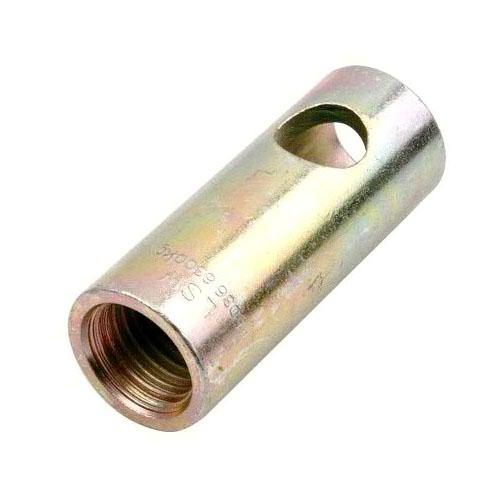
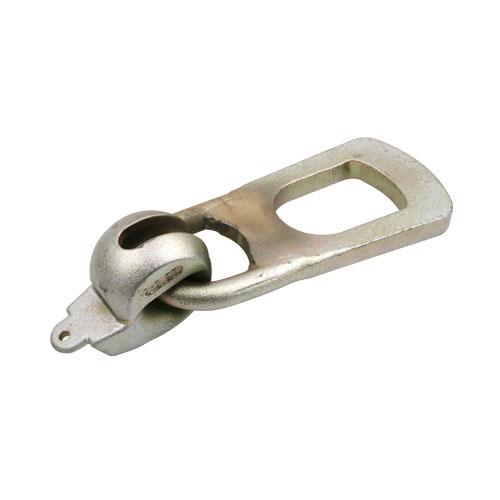
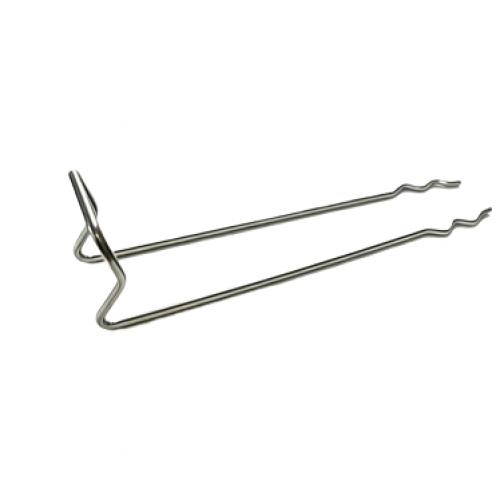
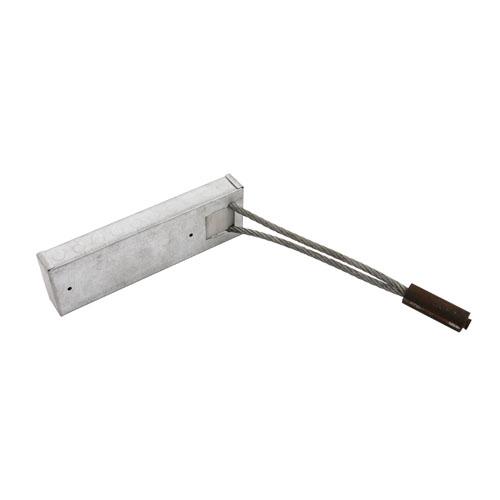
Sandwich wall connector pin are used to connect the concrete layers of sandwich walls together.
Connector pins are used together with diagonal ties. The product range allows to use connector pins with various insulation thicknesses.
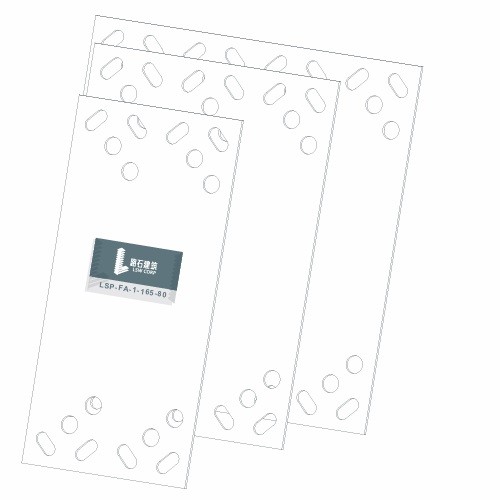
Construction Method of Plate-type Stainless Steel Insulation Connectors:
1. Lay the lower layer of reinforcing steel sheets
2. Place the plate-type connector at the designed position, and pay attention to the placement direction
3. Insert the reinforcing steel bars into the middle row of round holes of the plate-type connector
4. Insert the bent-up bars into the positions on both sides of the inner row of the plate-type connector
5. Bind the post-installed reinforcing steel bars with the lower steel mesh
6. Pour the bottom layer of concrete, and lay the insulation board
7. Bind the reinforcing steel bars of the upper structural layer
8. Refer to the installation sequence of the lower layer of reinforcing steel bars, place and bind the upper post-installed reinforcing steel bars
9. Pour the upper layer of concrete
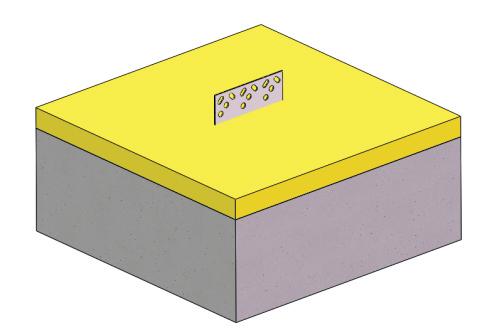 1.Pour concrete for the inner leaf wall and install the insulation layer
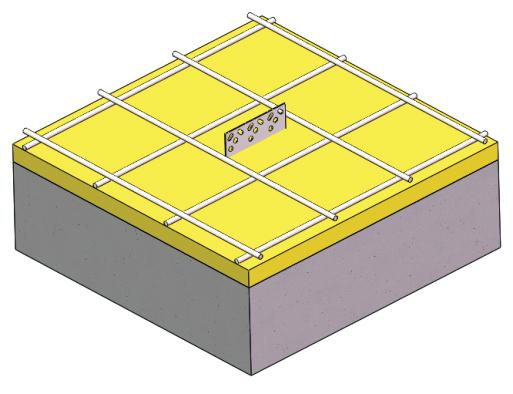 2.Lay reinforcement for the outer leaf wall
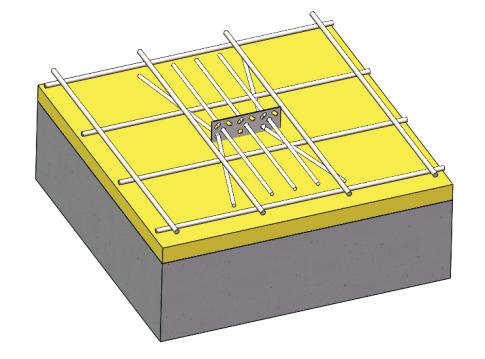 3.Place straight bars and bent-up bars
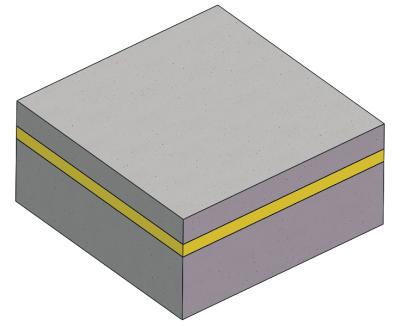 4.Pour concrete for the outer leaf wall
Our Services:
1. The lengths of the pin-type tension connectors and plate-type connectors for sandwich thermal insulation wall panels are selected by us according to the thickness of the thermal insulation panels.
2. We have a technical team that can provide free layout drawings for customers' projects, telling customers how to install the connectors,
3. Where to install them on the sandwich wall panels, and how many pieces should be installed per square meter
4. We are capable of providing stress calculation services for customers
5. Stress tests have been conducted on all our products
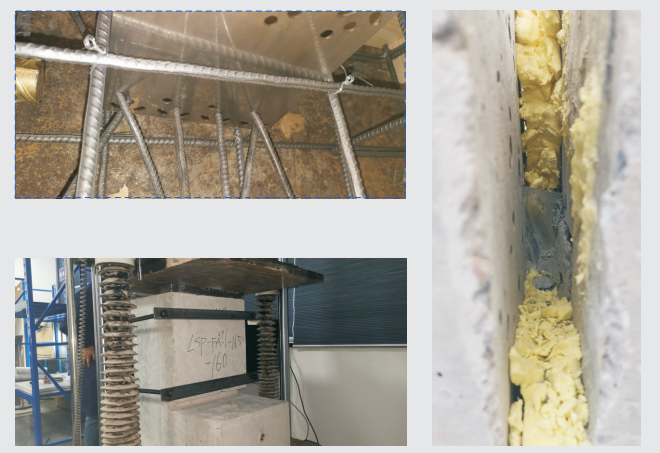
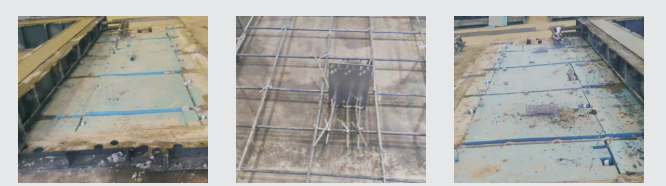
Q: When will you arrange the production?
A: We usually arrange the production immediately after receiving your payment if we have the item in stock. Otherwise, please confirm with us for lead time.
Q: What is your accepted payment type?
A: Wire transfer, Paypal and Western Union, and Alibaba Trade Assurance.We only accept Paypal and Western Union, and Alibaba Trade Assurance for payment amounts below USD400.
Q: What logistic forwarder do you usually work with?
A: We work with EMS, TNT, UPS, FEDEX and other logistric forwarders. Assigned your own forwarder for shipment is available.
Q: What if the Wireless Charging Bundle is not charging my device(s)?
A: 1. Check to ensure that your device is Qi-compliant.
2. Check to ensure that the AC adapter you’re using with the Wireless Charging Bundle has an output of 2A or more.
3. Check to ensure that you are placing your phone on the center of Wireless Charging Bundle.
4. Check to ensure the phone is not in a 5mm or thicker case when charging.
5. Check to ensure there is no metal obstruction on the back of the phone/phone case, or credit cards inside the case.
6. The Wireless Charging Bundle’s cable may be faulty. Try using a different cable.
7. Restart your phone. If the problem persists, please email us at support@anker.com to claim your 18-month warranty. Request sent to owner.
Q: How does the Wireless Charging Bundle charging speed compare to a traditional wired charger?
A: It depends on your device, but wireless charging generally charges at a slower rate.
Q: What is the Wireless Charging Bundle charging speed?
A: Charging speed varies depending on the device. You can expect a maximum charge current of 1A.
Q: What kind of AC adapter should I use with Wireless Charging Bundle?
A: Make sure that the AC adapter that you use has a minimum output of 2A, otherwise your devices may not charge properly.
Q: Can I use a different USB cable instead of the cable that comes with Wireless Charging Bundle?
A: Yes, other Micro USB cables can be used, but to ensure the utmost safety and performance, we strongly recommend using your device’s original cable (OEM) to charge your devices with the Wireless Charging Bundle.
Q: What does Wireless Charging Bundle’s LED indicator show while charging?
A: When the charging pad is powered up, you pick up your phone during charging, or your phone is fully charged, the LED indicator will display blue for 3 seconds before turning off. While your phone is charging, the LED will display a steady blue. If your phone is not charging normally or the temperature is too high, the LED will flash blue. Request sent to owner.
Q: Is radiation from wireless chargers harmful to one’s health?
A: The PowerPort Wireless 5 Pad only emits non-ionizing radiation which is not harmful to humans. What’s more, it’s certified with FCC, CE, RoHS, etc.
Q: Does wireless charging affect other wireless devices?
A: No. Wireless chargers use frequencies between 110-205kHz, which are in a different range than most wireless devices. What’s more, it’s certified with FCC, CE, RoHS, etc.
Q: Does this charger produce excessive heat?
A: When in use, this charger’s temperature should not exceed 104°F/40°C.
...
 Ningbo LSW Corp